
Honkai: Star Rail Top Up
Honkai: Star Rail Top Up
4.724 reviews
- -$30.14
All-In-One Bundle
$170.80$200.94 - -$0.11
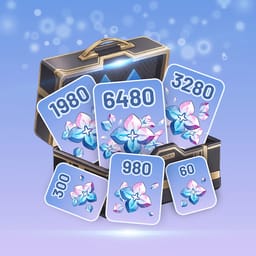
60 Oneiric Shard
$0.88$0.99 - -$0.75
300+30 Oneiric Shard
$4.24$4.99 - -$2.25
980+110 Oneiric Shard
$12.74$14.99 - -$4.50
1980+260 Oneiric Shard
$25.49$29.99 - -$7.50
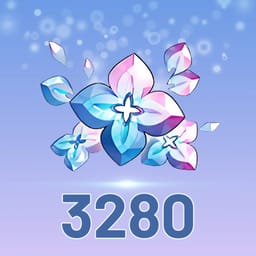
3280+600 Oneiric Shard
$42.49$49.99 - -$15.00
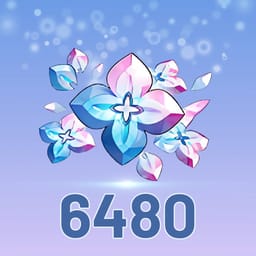
6480+1600 Oneiric Shard
$84.99$99.99 - -$45.00
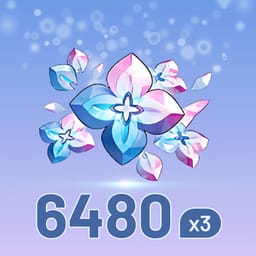
6480+1600 Oneiric Shard*3
$254.97$299.97 - -$74.99
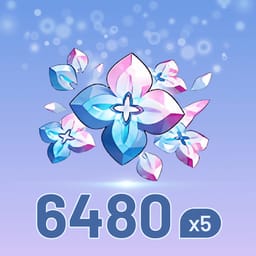
6480+1600 Oneiric Shard*5
$424.96$499.95 - -$149.98
6480+1600 Oneiric Shard*10
$849.92$999.90 - -$0.75
Express Supply Pass
$4.24$4.99
Payment Methods
Top-up Info
*Account HoYoverse
*Password
*Server Region
*UID
Qty

All-In-One Bundle
Safe Checkout Guarantee
Trusted payment methods
Top-up Instructions
If your game account was created with Google, Facebook, Apple, Game Center, or Guest Mode, we recommend linking it to a HoYoverse email account as soon as possible. After linking an email, your account will have a more stable login method. This can help reduce the risk of losing access when you change devices, reinstall the game, clear app data, or have problems with a third-party login.
Why Link a HoYoverse Email Account?
Guest accounts are usually stored on the current device. If you lose the device, reinstall the game, clear app data, or switch to a new phone, an unlinked Guest account may be difficult or even impossible to recover.
If you currently sign in with Google, Facebook, Apple, or Game Center, linking an email gives you another way to access and manage your account. If the third-party login fails, loses authorization, or does not work properly on a new device, you may still be able to sign in through your HoYoverse account.
Once your email is linked, you can use the same HoYoverse account across supported games, devices, and platforms. It also makes account management clearer and safer.
Method 1: Link Your Email on the HoYoverse Website
This method works for Genshin Impact, Honkai: Star Rail, and Zenless Zone Zero. It is suitable if you prefer to manage your account through a browser.
Open account.hoyoverse.com and sign in with the game account you are currently using.
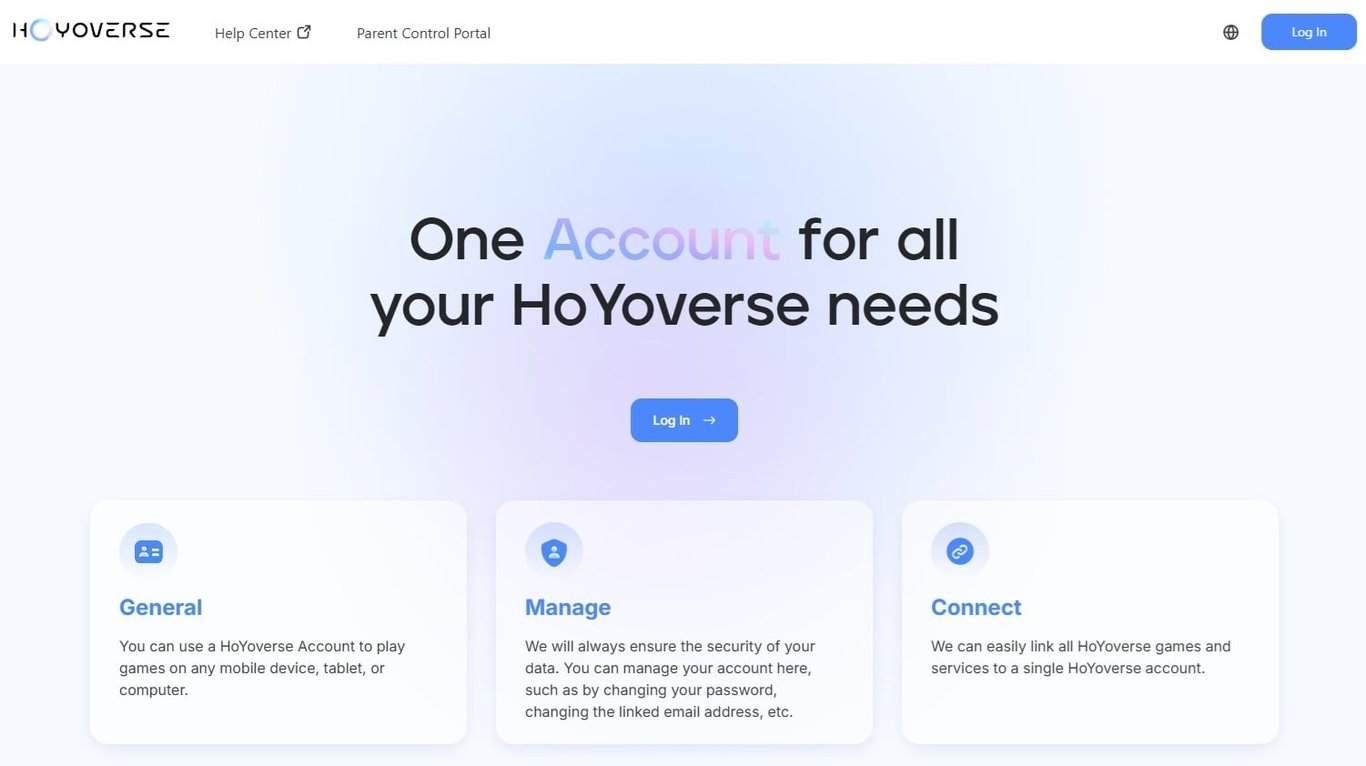
- Go to the Personal Information page.
- Find the Email section and click Link.
- Enter the email address you want to link.
- Request and enter the verification code.
- Follow the instructions to set or confirm your account password.
After the process is complete, the linked email address can be used as a login method for your HoYoverse account.
Method 2: Link Your Email in the Game
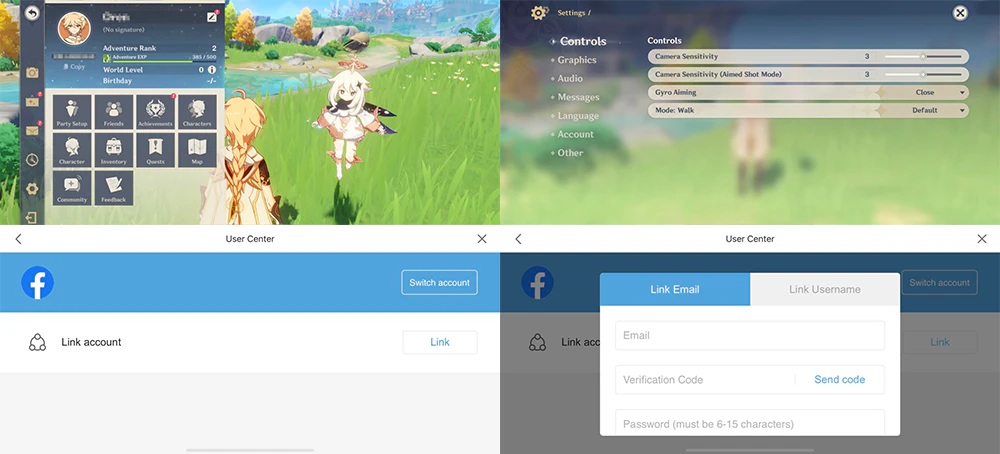
You can also link your email directly through the in-game User Center.
Genshin Impact:
Paimon Menu → Settings → Account → User Center
Honkai: Star Rail / Zenless Zone Zero:
Menu → Settings → Account → User Center
In the User Center, find the Email section, tap Link, then follow the prompts to enter your email address, verification code, and password.
Important Notes
Use an email address that belongs to you and that you can access long term. Do not link an email address you may lose access to later.
In most cases, one email address can only be linked to one HoYoverse account. If the email is already registered or linked to another account, the system may show that the email is already in use.
If your account is still a Guest account, link it first. Guest accounts are harder to recover after device loss, reinstallation, data clearing, or system errors.
After linking your email, keep your email account, HoYoverse password, and verification methods secure. Do not share your password, verification code, or login details with anyone.
Whether you play Genshin Impact, Honkai: Star Rail, or Zenless Zone Zero, linking a HoYoverse email account is an important step for protecting your game account, especially if you use third-party login or Guest Mode.
Game Introduction
Honkai: Star Rail Top Up: Oneiric Shards & Express Supply Pass
KeyGold tops up Honkai: Star Rail at 15–30% below the in-game price, on all four servers — America, Europe, Asia and TW-HK-MO. Because we buy the item through the shop inside your own account, the first-purchase double bonus, event rewards and Nameless Honor progress all count exactly as they would if you paid yourself.
Why Trailblazers Top Up With KeyGold
- You pay 15–30% less for the identical item, delivered the identical way.
- Every in-game bonus still counts. This is a real shop purchase on your account, not a redeem code from separate stock.
- 5–30 minutes, around the clock. Banner just dropped at 3am? There is still someone on shift.
- All four servers supported, with payment methods for players in every region we serve.
- Live chat staffed 24/7 — a real person, before and after you order.
Oneiric Shard Packages and the First-Purchase Bonus
Honkai: Star Rail sells Oneiric Shards in six tiers. The first time you buy any given tier, the amount is doubled — and that bonus is per tier, so a Trailblazer who has only ever bought the 980 pack still has five doubles waiting. Ordering through KeyGold does not consume or change this in any way.
| Package | First-time total | Warps |
|---|---|---|
| 60 | 120 | 0 |
| 300 | 600 | 3 |
| 980 | 1,960 | 12 |
| 1,980 | 3,960 | 24 |
| 3,280 | 6,560 | 41 |
| 6,480 | 12,960 | 81 |
Oneiric Shards convert to Stellar Jade one for one, and a single Warp costs 160 Stellar Jade. The Warps column assumes the doubled first-time amount, converted in full. For reference, a guaranteed rate-up 5-star on a Character Event Warp takes at most 180 pulls, which is roughly the 6,480 tier bought twice.
Is the Express Supply Pass Worth It?
The Express Supply Pass costs the same as the 300 Oneiric Shard tier and pays out 300 Oneiric Shards the moment it activates, then 90 Stellar Jade every day for 30 days. That is 3,000 Stellar Jade in total — around 18 Warps — for the price of a pack that would otherwise give you 300.
Two things worth knowing before you buy it. The daily 90 Stellar Jade have to be claimed by opening the game, so a week away means a week of Stellar Jade lost. And multiple passes stack in duration rather than in rate: buying three extends the timer to 90 days, it does not pay 270 a day.
If you log in most days, it is the best value per dollar in the game. If you play in bursts around banners, an Oneiric Shard pack with an unused first-purchase double will get you more pulls for the same money. Plenty of players do both — the pass for the daily trickle, shards when a banner they want shows up.
What You Can Spend It On
Stellar Jade goes toward Star Rail Special Passes for the Character and Light Cone Event Warps, Star Rail Passes for the standard Stellar Warp, and Trailblaze Power refills when you are farming Relics or Trace materials. Character outfits work differently — they are bought with Oneiric Shards directly, without converting to Stellar Jade first, so it is worth leaving a balance untouched if an outfit you want is on the way.
About Honkai: Star Rail
Honkai: Star Rail is a turn-based sci-fi RPG from HoYoverse, playable on PC, mobile and PlayStation with shared progress across all three. You board the Astral Express as the Trailblazer and travel between worlds, each with its own civilisation and its own crisis, building a team from a roster that grows with every version. Characters and Light Cones come mainly from limited-time Warp banners, which is why most players time their top-ups around a banner they care about.
Honkai: Star Rail Top-Up FAQ
Will I still get the first-purchase double bonus?
Yes. The order is placed through the standard in-game shop on your account, so any tier you have not bought before still doubles, and any promotion running at the time still applies.
What's the difference between Oneiric Shards and Stellar Jade?
Oneiric Shards are the paid currency you buy; Stellar Jade is what you actually spend on Warps. Shards convert to Stellar Jade one for one, and you can also earn Stellar Jade through gameplay. A few things — character outfits, for instance — are paid for in Oneiric Shards directly, so converting your whole balance straight away is not always the right call.
What are Star Rail Passes and Star Rail Special Passes?
Both are Warp tickets. Star Rail Passes are for the permanent Stellar Warp, where standard characters and Light Cones appear. Star Rail Special Passes are for the limited Character Event and Light Cone Event Warps, which is where time-limited 5-stars live. You buy either with Stellar Jade at 160 apiece, or exchange for them with Undying Starlight and Undying Embers.
Which servers do you support?
All four: America, Europe, Asia and TW-HK-MO. Select yours at checkout. Oneiric Shards are bound to the account and server they were bought on and cannot be moved between servers afterwards, so make sure the one you pick matches the account you actually play.
How fast is delivery?
Typically 5 to 30 minutes, at any hour. The queue runs longer in the first hours after a new Warp banner goes live. You can check progress in Order Record, and live chat can tell you where your order sits.
Is it safe to buy a Honkai: Star Rail top-up online?
Your details are used only to complete the order you paid for. Keep your inbox handy for a verification code, stay logged out while the order runs, and change your password once the items land — the full checklist is in the top-up instructions above.
Reviews
4.7
24 reviews
Order, review, earn points
After your top-up lands, share what actually happened. Honest reviews help other players decide faster—and earn you points you can put toward a future checkout. A few clear sentences (screenshots optional) go a long way.
How to earn points
- Complete a valid order and confirm delivery in-game or that the item works.
- Open My Orders or this review section and write a real experience—photos help, but aren’t required.
- After a quick check, points credit automatically. Track balance and history in My Points.
A few rules
- Usually one review per eligible order. Spam, copy-paste, or off-topic posts may not earn points.
- Keep it specific and useful (speed, support, accuracy). Never share passwords or other sensitive info.
- Points may have a minimum balance, per-order cap, and expiry. Checkout and My Points show what you can use.
- If rules change, the latest on-site wording wins. Missing points? Send your order ID to support and we’ll check.
 2025/12/21
Luna
充值款項已安全送達。客服回覆很快,下次還會再來。
- 2026/04/28
Yidong Wu
價格透明,沒有隱藏手續費,推薦。